Scratch & Game Design
Use visual blocks to learn sequencing, loops, conditions, variables and game logic.
View Scratch classes →Help children understand logic, problem solving and digital creativity through guided projects that match their age and experience.
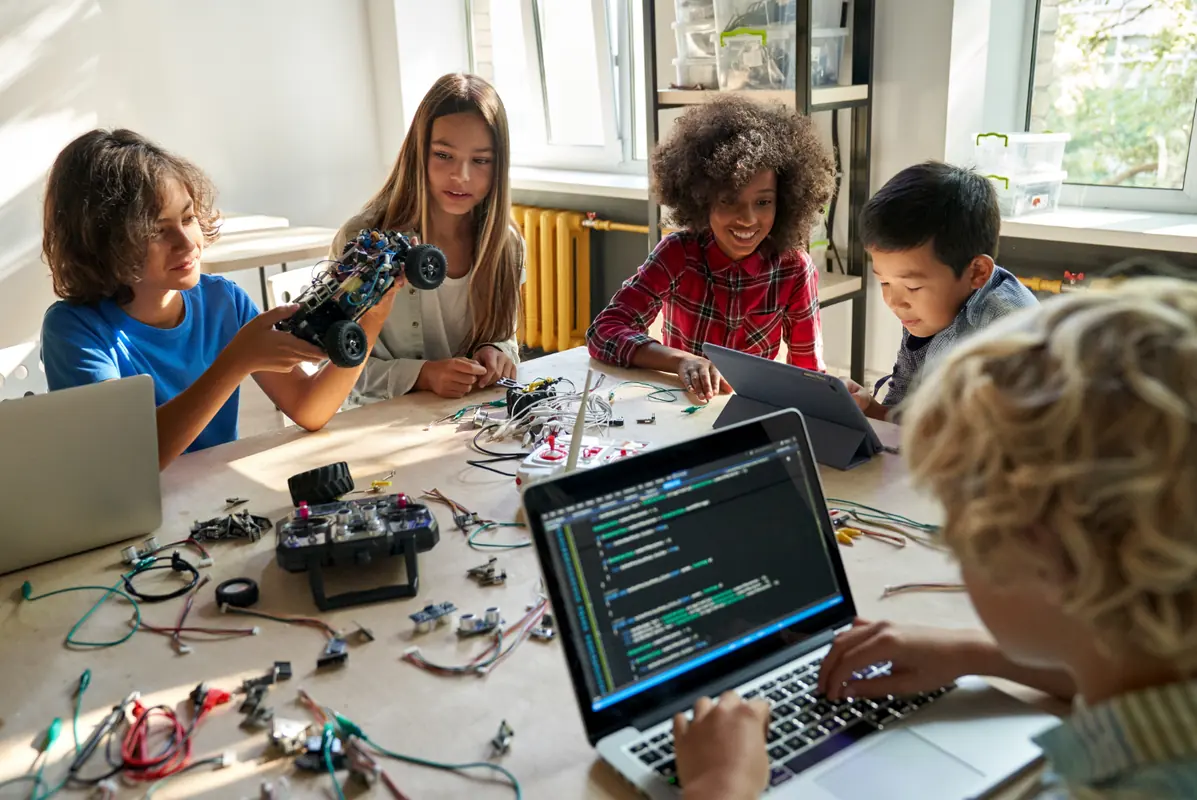
The subject is chosen based on the child’s age, interests and current skills.
Use visual blocks to learn sequencing, loops, conditions, variables and game logic.
View Scratch classes →Move into text-based programming with small programs, games and beginner-friendly challenges.
View Python for kids →Create web pages with HTML, CSS and JavaScript while learning how websites are structured.
View web design →Explore age-appropriate AI concepts through guided experiments and creative applications.
View AI for kids →Learn spatial design and create objects that connect digital models with physical results.
View 3D design →Build animations and interactive activities that strengthen logic through playful practice.
View interactive projects →Coding projects give children a structured way to plan, test, identify errors and explain how their solution works.
The best starting point depends on reading ability, attention and experience. Younger learners often begin with visual coding before moving to text-based programming.
Scratch is useful for visual learning and game logic. Python is a strong next step for text-based programming. Web design can also be motivating because students see results quickly.
No. Beginners are welcome. The plan starts from the student’s current level and gradually introduces new concepts.
Projects may include games, animations, websites, Python programs, simple AI experiments and 3D design activities.
Share their age, interests and previous experience so we can suggest the right starting point.